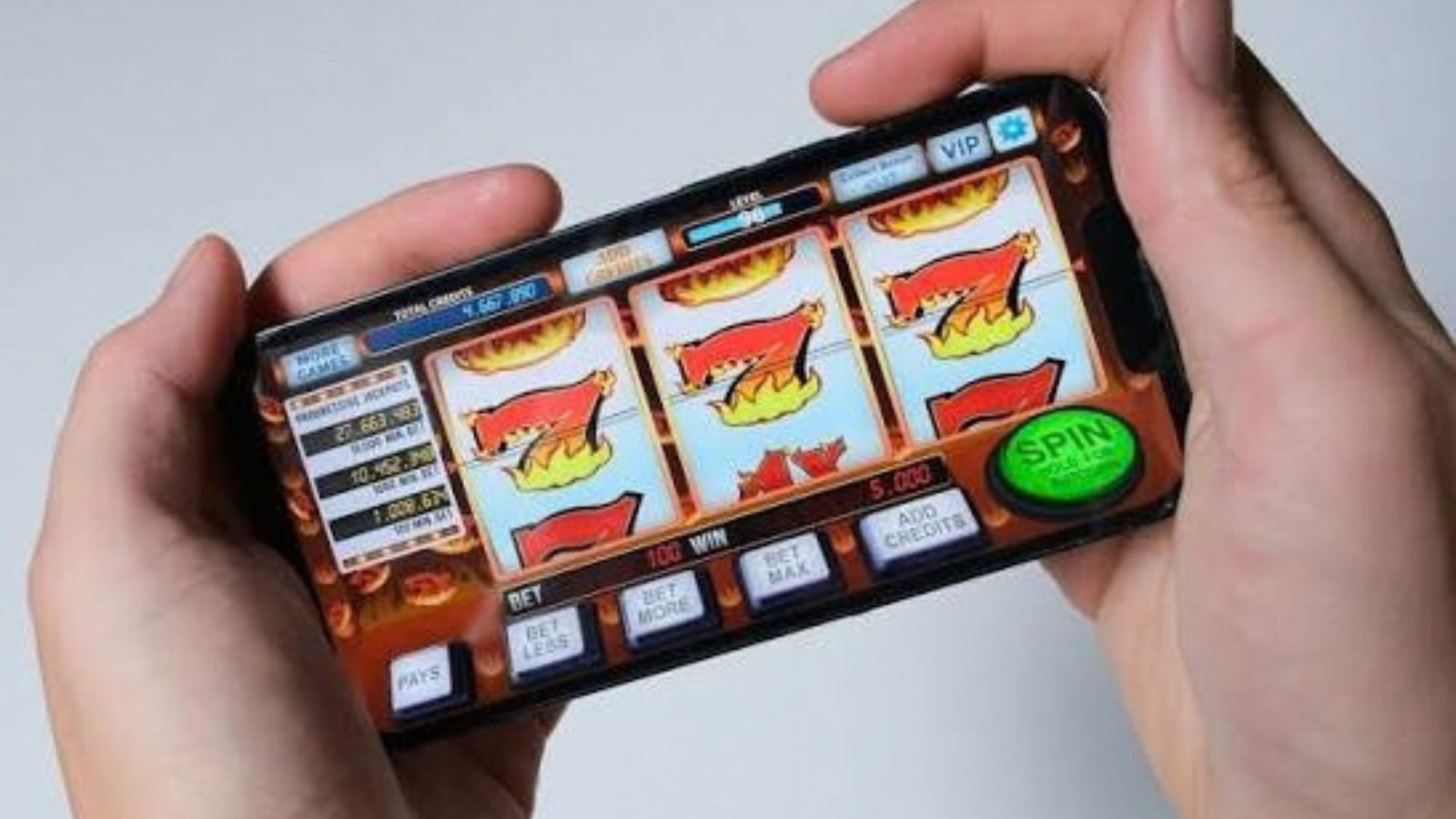


Mobile gaming dominates modern online casino lobbies, prompting operators to roll out device-specific incentives tailored for smartphones and tablets. Comparing mobile app exclusive free spins against traditional desktop browser promotions reveals notable differences in claim speed, expiration windows, and interface ergonomics. While desktop offers often anchor larger multi-deposit welcome ladders, native mobile applications frequently reward engaged players with rapid-fire push-notification drops and friction-free biometric activation.
Understanding how mobile app promotions operate behind the scenes helps you capture extra promotional value without falling victim to touchscreen input mistakes. Furthermore, reviewing the playthrough rules and eligible titles across Free spins casino bonuses before downloading a native application ensures that app-exclusive bundles offer genuine mathematical upside rather than tight conversion caps. When you configure push alerts properly, test mobile touch controls in demo mode first, and verify cross-device wagering synchronization, you turn smartphone play into a sharp strategic edge.
Claiming Push-Notification Free Spin Drops Restricted to iOS and Android Casino Apps
Operators actively incentivize players to install native iOS and Android applications—or Progressive Web Apps (PWAs)—because mobile apps drive higher daily engagement than desktop bookmarks. To reward app installations and keep users returning throughout the week, promotional engines distribute push-notification free spin drops exclusively to logged-in mobile devices.

Unlike public weekend banners visible on desktop homepages, push-triggered spin drops arrive via real-time mobile alerts tied to flash game launches, evening happy hours, or personalized retention campaigns. To ensure you capture these app-restricted offers before their tight redemption timers expire, configure four mobile settings right after installation:
-
Enable System-Level Push Permissions: Grant full notification access inside your iOS Settings or Android App Info menu during first launch, because blocking OS-level alerts hides time-sensitive spin codes completely.
-
Activate Biometric One-Tap Login: Enable Face ID or fingerprint authentication inside the app’s security menu so you can jump from a lock-screen notification straight into your rewards hub within seconds.
-
Verify App-Only Claim Flags: Many mobile promotions require you to tap “Claim” inside the native app interface rather than a mobile web browser; once you activate the spin bundle on your phone, check whether the rounds stay locked to the app or become playable across all devices.
-
Respect Flash Expiration Clocks: Push-notification spin drops frequently carry compressed 6-hour to 24-hour claim and usage deadlines compared to the 7-day windows common on desktop welcome packages.
Testing Mobile Slot Touch Controls Before Committing Bonus Spin Rounds
Even when an app-exclusive spin batch carries favorable terms, playing on a 6-inch touchscreen introduces ergonomic risks that rarely happen with a desktop mouse. Compact mobile interfaces pack spin triggers, bet-adjuster sliders, turbo switches, and feature-buy buttons within millimeters of your thumb—making accidental stake jumps or unintended button taps dangerously easy during post-spin playthrough.
Before launching your promotional spins or grinding converted bonus funds on a smartphone, spend two minutes testing the game’s touch layout in free-play demo mode:
-
Compare Portrait vs. Landscape Button Spacing: Many modern HTML5 slots offer a streamlined one-handed portrait mode alongside a wider landscape layout. Test both orientations in demo mode to confirm that the primary spin button sits comfortably away from “Max Bet” or coin-value arrows.
-
Disable Accidental Double-Tap Turbo Triggers: On certain mobile slot engines, tapping anywhere on the spinning reels stops the animation immediately, and a rapid double-tap triggers an unintended follow-up spin before you verify your balance. Turn off “Tap Anywhere to Spin” inside the game’s settings cog so only the dedicated spin icon initiates rounds.
-
Check Cellular vs. Wi-Fi Connection Stability: Switching between Wi-Fi and mobile data mid-spin can stall client-side animations. Play bonus rounds over a stable connection so server-side state snapshots record every outcome cleanly without visual lag.
Verifying Cross-Device Wagering Tracker Synchronization
Many savvy players claim an app-exclusive free spin bundle on their smartphone during an afternoon break, generate a solid starting bonus balance, and then switch to a desktop computer at home to grind out the remaining 30x wagering requirement comfortably. Modern cloud-synced gaming platforms support seamless cross-device continuity, transferring your real-time balance, active bonus status, and remaining rollover meter across iOS, Android, and desktop browsers instantaneously.
However, cached browser sessions or stale app tokens occasionally cause visual lag on wagering progress bars when switching devices mid-rollover. Execute three quick synchronization checks whenever transitioning between your phone and desktop:
-
Close the Mobile App Completely Before Opening Desktop: Force-close the slot window on your smartphone rather than leaving it running in the background, preventing dual-session conflicts or “Game Already Open” server locks.
-
Refresh the Desktop Cashier Bonus Meter: After logging into your desktop browser, open your profile’s “Active Bonuses” tab and verify that the exact remaining rollover figure matches what you saw on your phone.
-
Confirm Identical Game Availability Across Platforms: Occasionally, an older legacy slot available on desktop lacks a mobile port—or conversely, an app-exclusive spotlight title sits hidden on desktop. Check your eligible games list on the new device before placing your first playthrough wager.
By enabling push alerts for iOS and Android flash drops, testing touchscreen layouts in demo mode before risking bonus funds, and verifying cross-device rollover sync cleanly, you combine the convenience of mobile app exclusive free spins with the precision of desktop bankroll management.